It's not a visible course.
Framer: The Complete Guide ─ Smart Components
This course includes tutorials of the latest Framer updates.
Learn Framer step by step from basics to advanced to master Framer!
Course Introduction 👋
12 min follow •


Do you still find Framer to be difficult?
Framer is no doubt an amazing tool.
However, the big changes Framer X brought to the table left many users confused - with some even abandoning the tool because they found it to be too complicated.
The constant updates made to Framer are most likely also one of the reasons why beginners are often discouraged. After all, it's hard to figure out where to start when things are changing constantly.
Do any of these people sound like you?
If yes, then fear not, for this course has been created to help people just like you.
Here's why we decided to create this course:
1. To propose a step-by-step process (in various difficulties) for learning Framer.
In this course, we start from scratch to accommodate beginners. You'll learn how to properly use the various features Framer offers without being overwhelmed.
From understanding how simple interactions work to implementing them in more complex examples, you'll be able to learn how to do it all.
2. To use all of this when tackling real-world examples.
The goal of this course is to ensure that everything you learn actually becomes useful and applicable in real world.
This is why the course includes multiple interaction and prototype examples that are often used in real world.
These examples, called Quests, are littered throughout the course.
Once you've learned the fundamentals of Framer through basic exercises, you can go even further with Quests by using the examples to suit your own purposes.
3. Interactive Design System
In fact, design systems are essential for UI and UX designers.
The final part of this course covers the creation of an interactive design system using Framer as well.
Learn it all, from the sheer basics to the most advanced Framer concepts - and use all of this knowledge to create an interactive design system from scratch in Framer.
Now it's your turn.
You'll learn
In this course, you'll learn how to create interactive components and design systems in Framer, with a focus on Smart Components.
The following topics are covered in the course.
Single Smart Component & Variants
Nested Components
Event Variables
Nested Variables
Auto Sizing
Sequence Animation
You'll create
This course is divided into the following: basic exercises used to learn the essentials of Smart Components, real-world examples that build upon these exercises, and tutorials where you learn how to create interactive design systems.
Basic Exercises For Learning the Essentials of Framer Smart Components

Real-World Example
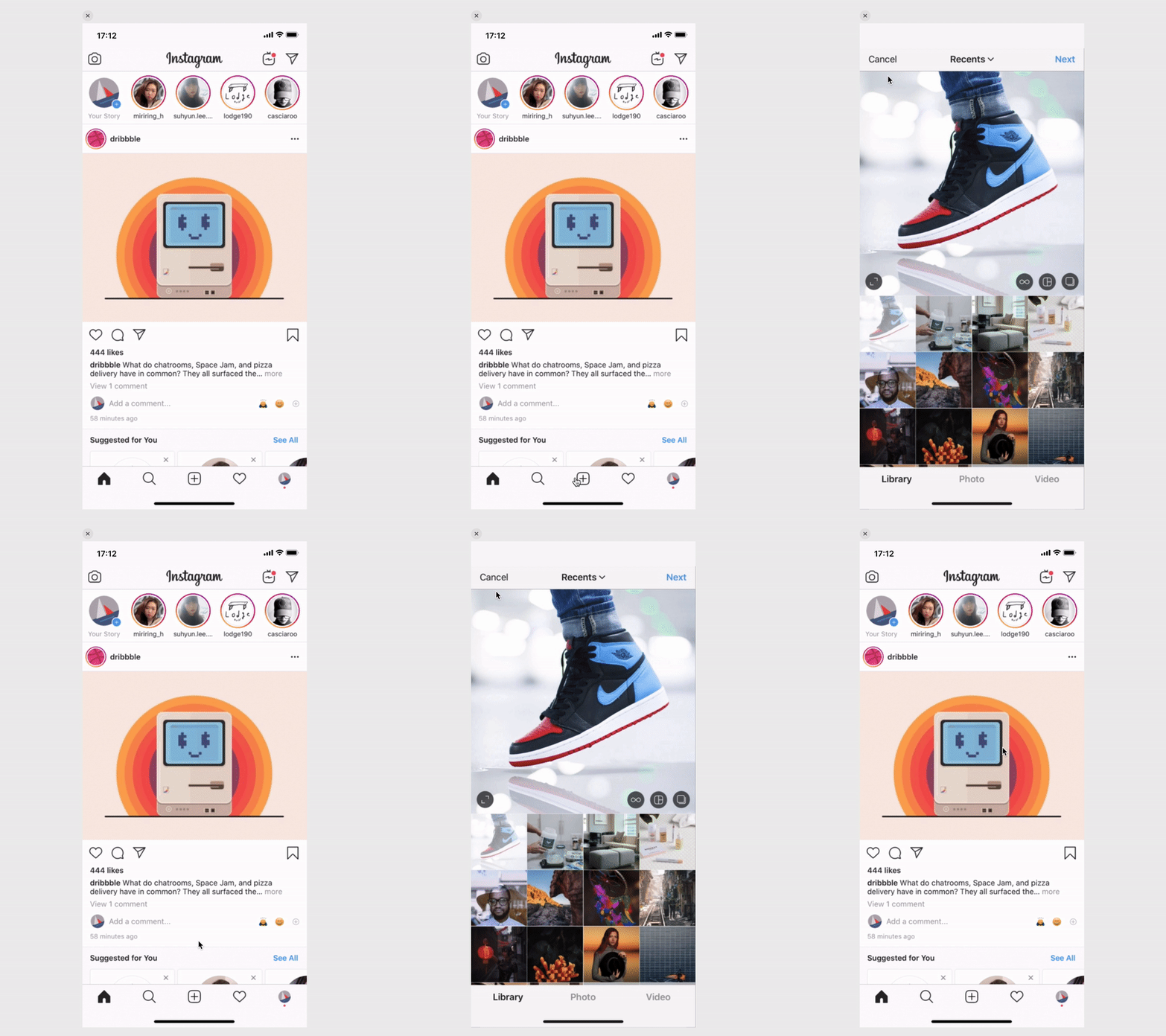

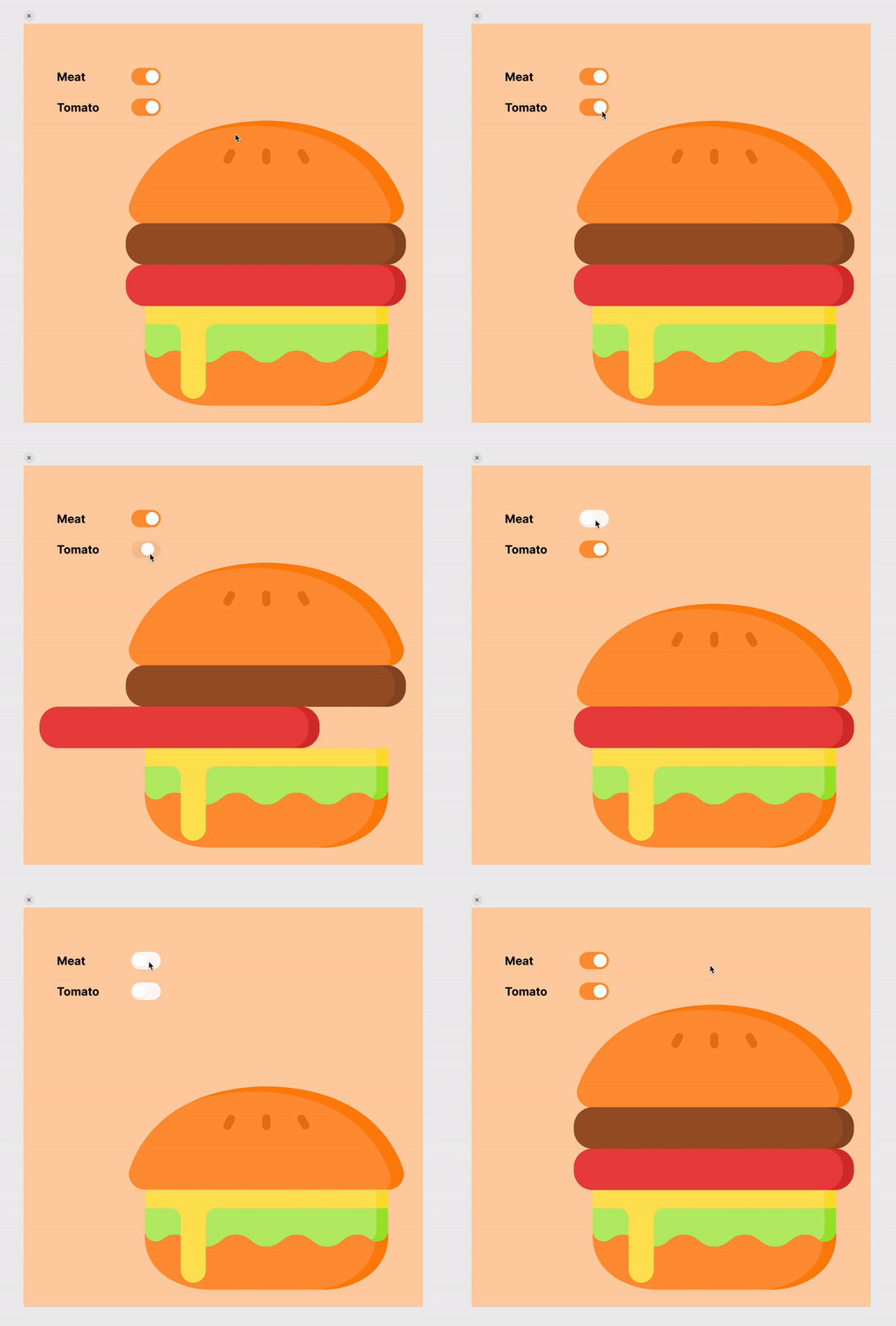
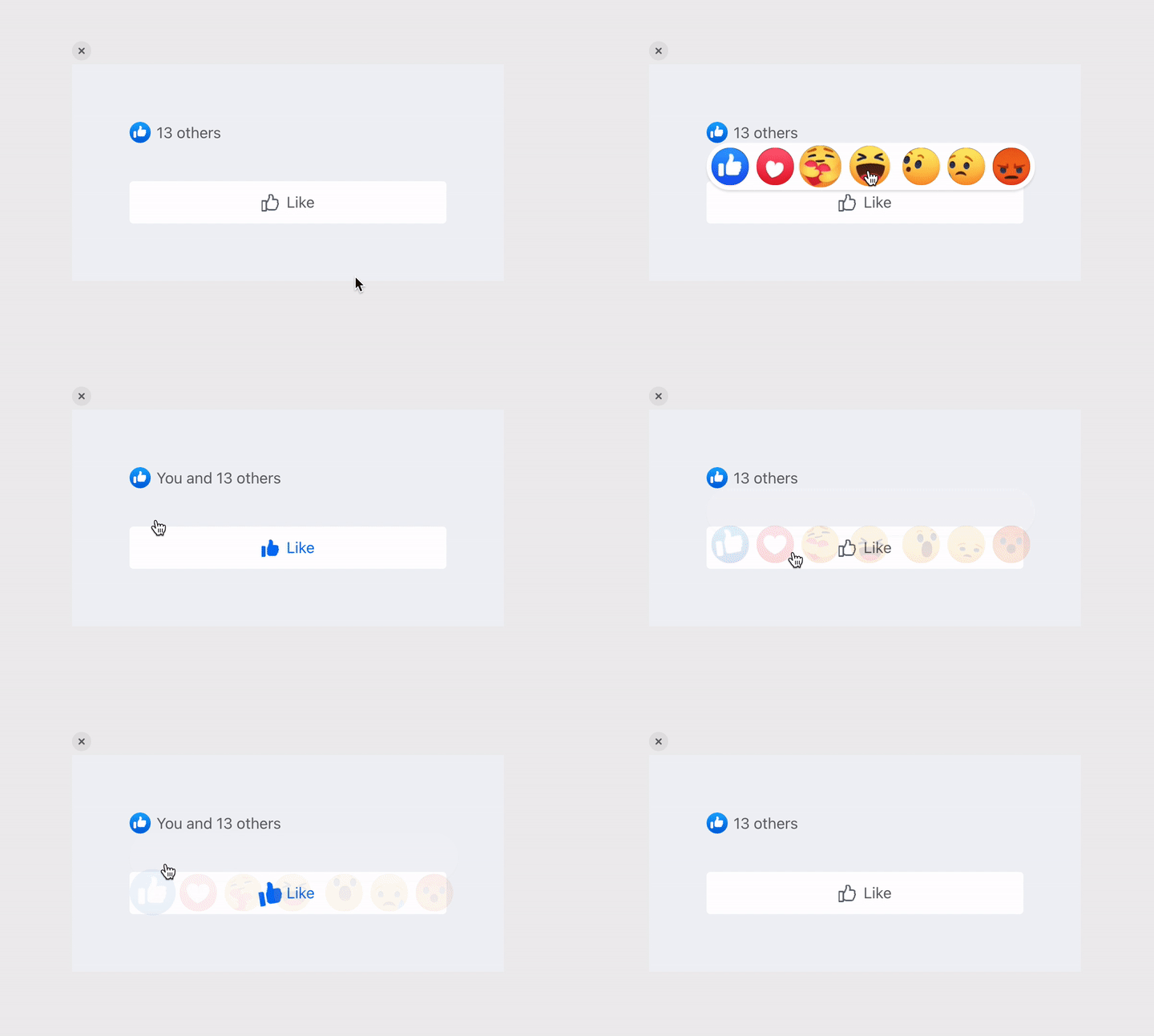
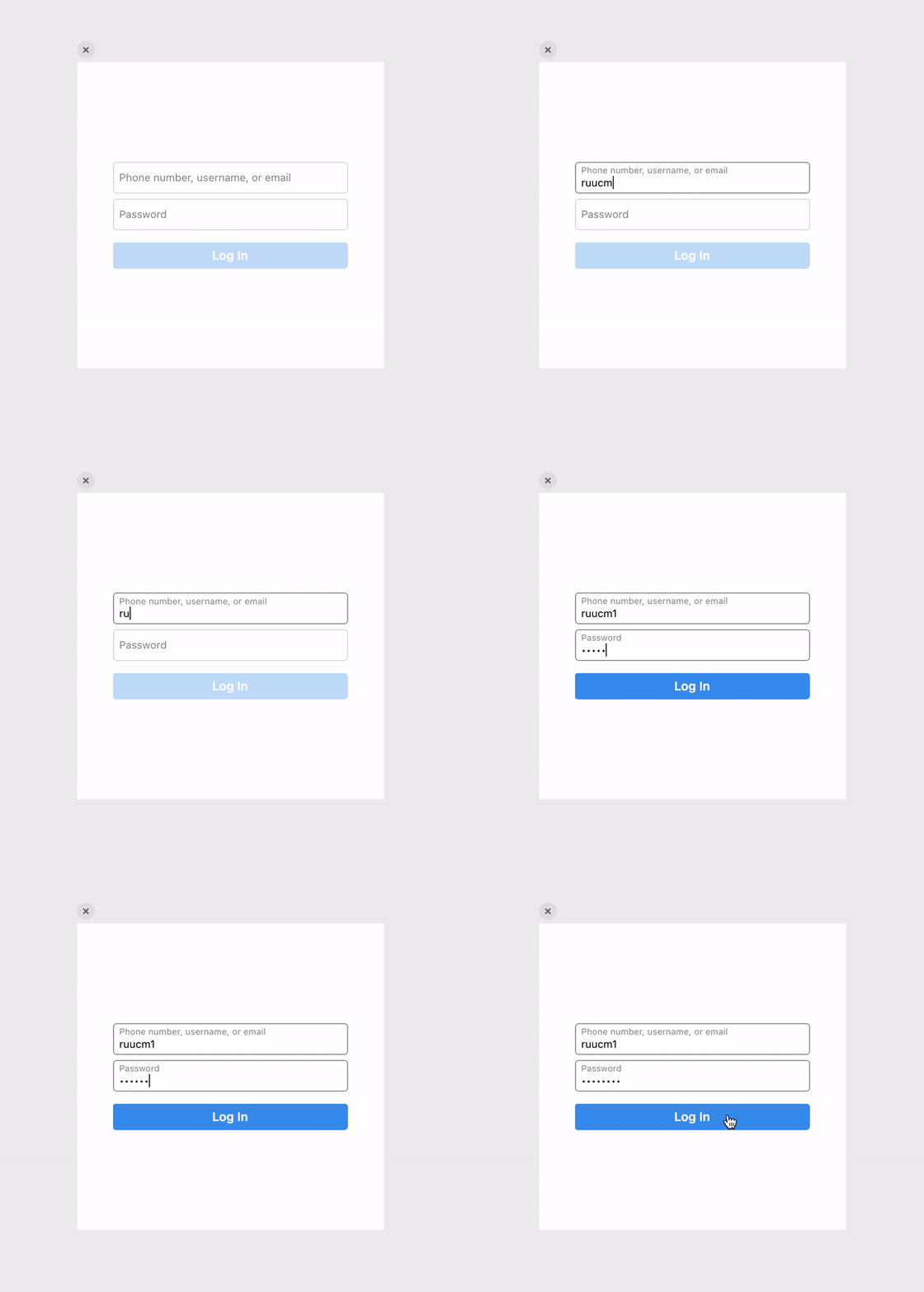
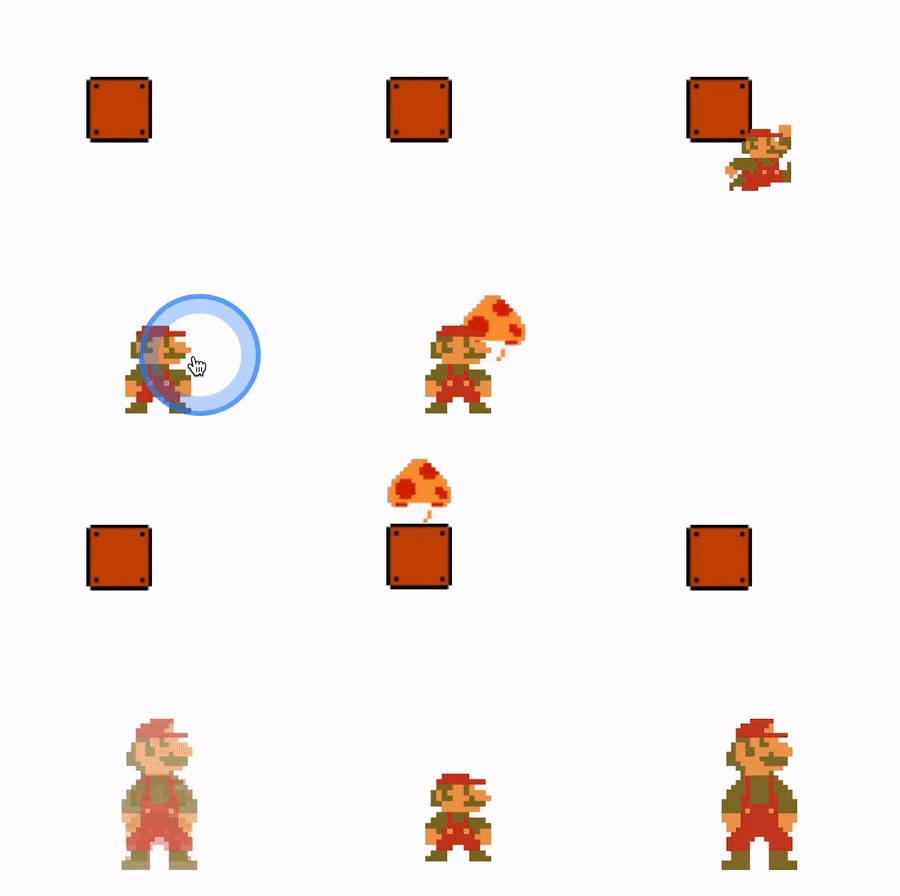
Interactive Design System Examples (Interactive Design System Tutorials will be released soon)
